Copilot for Excel that looks it up instead of making it up.

Ask your workbook in plain English. Prereasoner types your columns, resolves your values, and computes the answer as a query you can open. It will not silently return a wrong total.

Excel answer with highlighted source rows and visible query
Why us

The answer comes with the query that produced it

The number, and the query that made it

Every answer arrives with the exact query it ran on your sheet. Open the query to verify the filter, calculation and source rows.

The number, and the query that made it
It tells you when your sheet falls short

It tells you when your sheet falls short

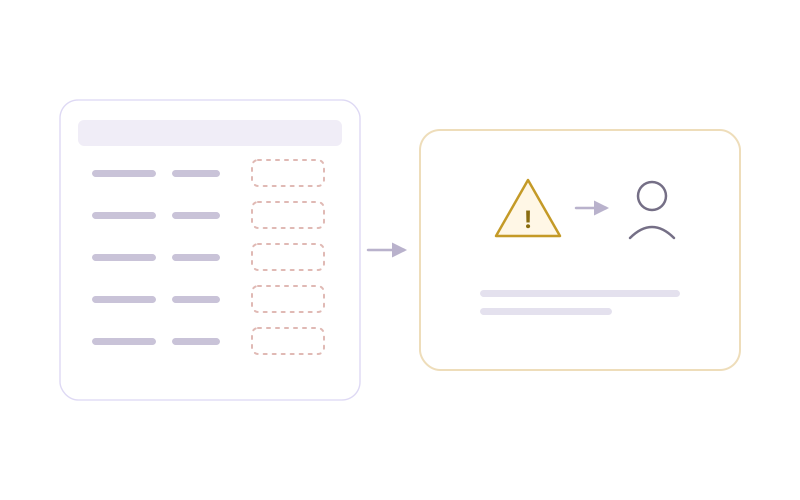
Ask about a region your data does not cover and it says so. A visible gap is cheaper than a plausible figure that fails your audit.

Never writes into your data

Your source sheet is read, never altered. Derived columns and lookups appear separately, so pasting in new data never overwrites a hidden helper column.

Never writes into your data
The values that need a source

The values that need a source

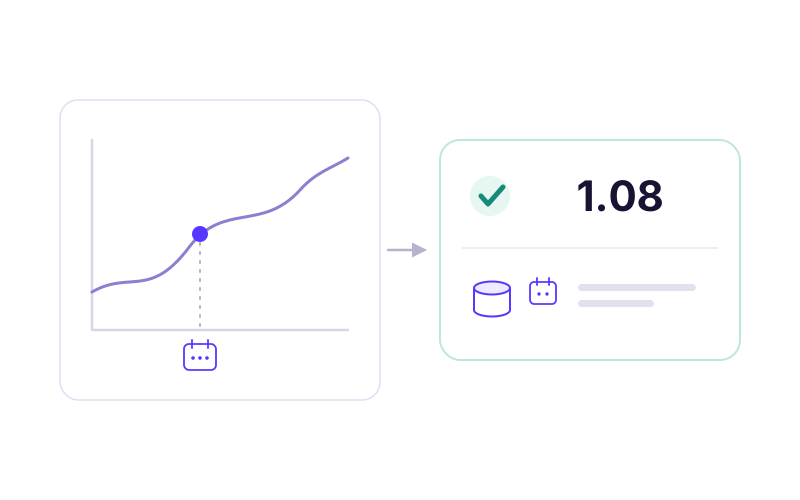
Rare, private, historical and dated facts are looked up from authoritative, dated sources, and the source is shown with the answer.

Head to head

Prereasoner vs Microsoft 365 Copilot

Copilot is good on common, public data. The difference shows up on the numbers you can't afford to have guessed.

On your spreadsheetMicrosoft 365 CopilotExcel Copilot by Prereasoner
Common calculation on clean dataGoodGood
Shows the formula / queryUsuallyAlways
Can silently return a wrong numberYesNo
Ambiguous entity (Paris, FR vs TX)Guesses oneResolves or asks
Historical or dated valueUses today's or a guessed valueDated lookup with source
Writes helper columns into your dataYes, with overwrite riskNo, kept separate
Runs on premisesCloud onlySelf-hostable
How it works

Four steps from question to auditable number

01 UPLOAD

Your workbook

Upload your Excel file. Your data is read, never changed.

02 UNDERSTAND

It learns your columns

Prereasoner works out what each column holds, such as places, amounts or dates.

03 CALCULATE

One exact calculation

Your question becomes one exact calculation on your data.

04 SHOW

Answer with its query

The answer appears with the calculation behind it and any sources it looked up.

Start free

Copilot for Excel that looks it up instead of making it up

Upload an .xlsx and get the result with its query and source rows. Start with 50 questions a month.