Ask your Google Sheet a question. Read exactly how it answered.

A Workspace-native add-on that types your columns, looks up the facts you didn't upload, and writes its reasoning back as color coded sheets. Green sheets hold your input, blue sheets hold the derivation.

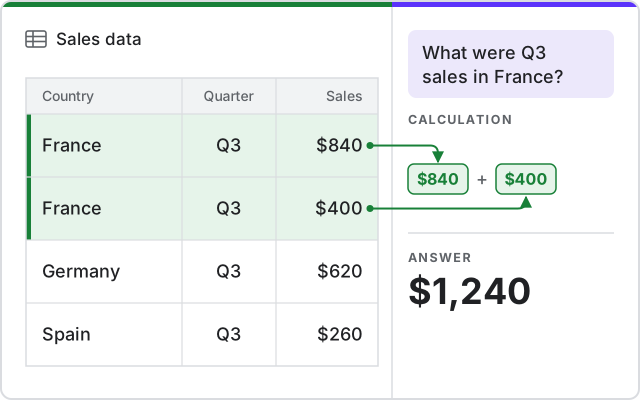
Google Sheets source data with visible derived mapping and totals
Why us

The reasoning arrives as sheets you can open

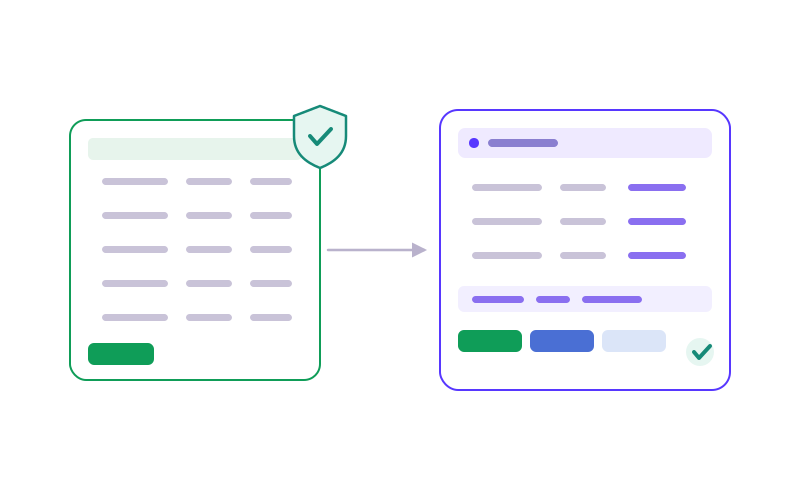
Your input stays in green sheets

Your data stays in editable green sheets the AI never touches. Every mapping, grouping and total appears in separate blue sheets you can open and read.

Your input stays in green sheets
Looks up what you didn't upload

Looks up what you didn't upload

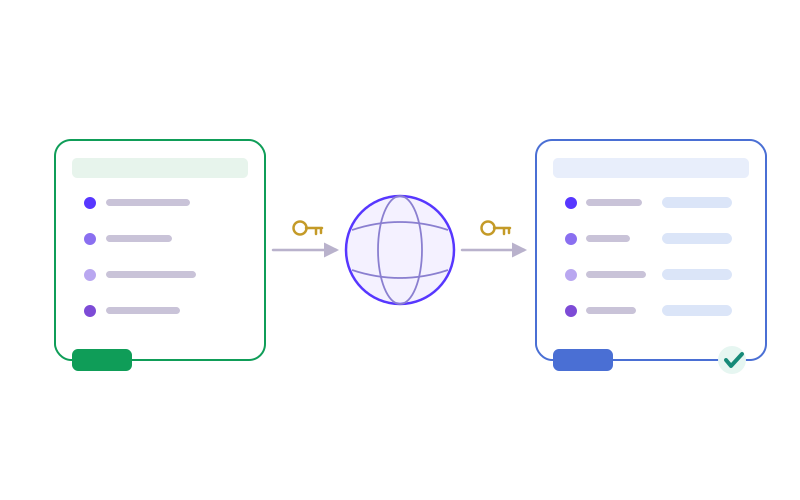
Your sheet has cities and your question asks by country. It joins city to country against an authoritative source, keyed by exact identifiers instead of fuzzy text matching.

Reruns when your data changes

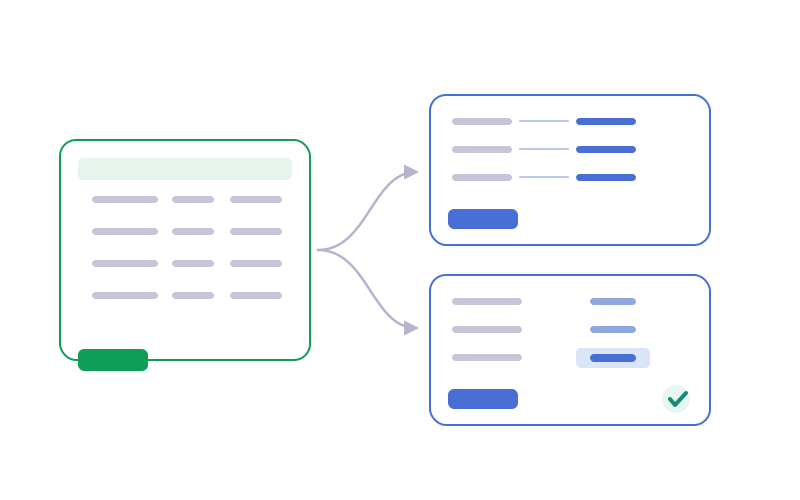
Add rows and the derivation refreshes without re-prompting. The blue sheets recompute and the green sheet stays exactly as you typed it.

Reruns when your data changes
Native to your Workspace

Native to your Workspace

Installs beside Google Forms and Sheets, reads your sheet in place, and keeps a single source of truth. Your sheet is only ever read, never modified.

How it works

From a spreadsheet to an auditable answer

Point it at a sheet and read how each answer was produced.

01 CONNECT

Pick a sheet

Point the add-on at a Google Sheet. It's read, never modified.

02 ASK

In plain language

"Sales by country." No formulas, no query language to learn.

03 ANSWER

Visible blue sheets

The workings and totals are written back as blue sheets you can open and check.

04 TRUST

Read the how

Every figure traces to your green rows and the sources it looked up.

Start free

Ask your Google Sheet a question. Read exactly how it answered

Get the result, mapping and calculation as sheets you can open and check.

Try it free